













Practical guides for everyday life
Clearer Voice Recordings in Audacity: A Beginner’s Editing Workflow
Record a clean test, reduce steady background noise carefully, edit pauses and export a checked audio file without making your voice sound artificial.
A better recording starts before editing
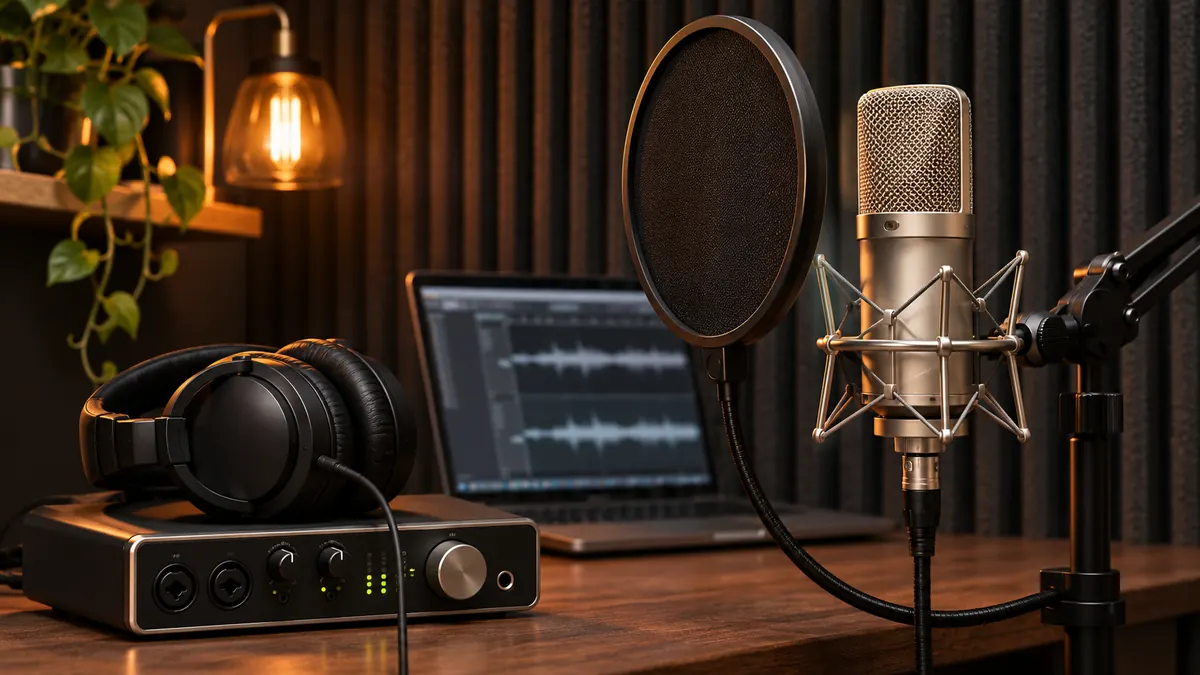
An audio editor can help you improve a recording, but it cannot reliably turn every noisy clip into clean speech. Start by making the source easier to hear. Choose a quiet time, move away from a humming appliance when practical, and place the microphone where it will stay still. Record a short test before committing to a full lesson or narration.
This workflow is for ordinary spoken audio: a personal explanation, a study recording or a short voice-over. It does not promise studio quality from any microphone. Your goal is a voice that remains understandable and natural, with distracting interruptions reduced. Keep an untouched copy so you can compare each change and restart if an effect makes the sound worse.
1. Make a representative test recording
In Audacity, select the intended recording device and record a few sentences at your normal speaking volume. Include the loudest phrase you expect to use. Leave a brief stretch of the room's steady background sound before speaking. Listen to the saved test through headphones, then through the speaker your audience is likely to use.
Check for crackling, distortion, rubbing against the microphone or sudden changes in volume. If loud words sound broken, try lowering the recording input level and repeat the test. Moving the microphone wildly between sentences will make later editing harder. Mark a comfortable position and keep it consistent. A stable, moderately close setup is often easier to work with than a distant microphone in a reverberant room.
2. Save the original and edit a working copy
Keep the raw recording separate from your edited version. Give files meaningful names, such as “lesson-intro-original” and “lesson-intro-edit-v1.” An Audacity project and an exported audio file serve different purposes: the project supports your editing work, while the export is the file you usually share or play elsewhere.
Write a short edit plan before applying effects. For example: remove the false start, shorten two long pauses, and reduce the constant fan sound slightly. This helps you avoid processing a recording merely because there are many effects available. After each significant change, listen to the same short passage so the comparison remains fair.
3. Use noise reduction for the right kind of problem
Audacity's Noise Reduction is intended for relatively steady noise such as hiss or a consistent hum. Its documented workflow uses a selection containing the unwanted noise to obtain a noise profile, then applies reduction to the audio you want to process. Use a section without your voice for that profile when one is available.
Start conservatively and preview the result. The noise may become less distracting before it disappears completely. Pushing the effect too far can damage the voice and create an unnatural texture. If the problem is a dog barking over a word, a door slam or another person speaking at the same time, a steady-noise tool is not a reliable way to reconstruct the missing speech. Re-recording the sentence may be the cleanest solution.
4. Edit pauses without removing the speaker's rhythm
Cut obvious false starts and accidental waiting time, but leave enough breathing room for the listener to understand each idea. A tutorial with every tiny pause removed can feel rushed. Listen across each edit, including a few seconds before and after it. A cut that sounds fine alone may be abrupt in context.
For a practical exercise, edit only the opening thirty seconds first. Remove one repeated phrase, then compare the edited opening with the original. Does it become clearer, or merely shorter? Use that answer to guide the rest of the piece. Silence is sometimes doing useful work by separating a question from its answer or giving the listener time to follow an instruction.
5. Check the whole recording at a comfortable volume
Once the edits are complete, play the entire piece without watching the waveform. This makes it easier to notice meaning and continuity rather than only visual irregularities. Listen for missing words, sudden jumps, overly strong processing and a beginning or ending that has been cut too tightly.
Do not solve every problem by turning up the playback volume. A very quiet sentence beside a loud one calls for a more deliberate adjustment. Make small changes and compare again. If the voice is consistently understandable at a normal listening level, you may not need more processing. The final goal is communication, not a perfectly flat-looking waveform.
Export, reopen and keep a small delivery checklist
Export to a format suitable for the destination, then open that exported file in a separate player. Check the first and last seconds, duration and whether the sound is present throughout. Keep the project if you may need revisions; do not assume the exported file preserves your editable tracks and decisions.
Before sharing, answer four questions: Is this the intended version? Can the words be understood? Are accidental private comments removed? Does the recipient's platform accept the format? If you need to make another version, change one thing at a time and keep a short note. A modest edit you can explain is more dependable than a chain of effects whose contribution you cannot hear.